Let’s dance together…LIVE…are you ready?
Download & install the latest ZOOM app to the device you will using for livestream classes. You only need to do this ONCE. Get it here: ZOOM
Register once only by clicking the blue button up top. THIS MUST BE COMPLETED PRIOR TO YOUR FIRST LIVESTREAM CLASS and will be valid for all livestream classes during your membership. Late registration may result in missing your first class.
Watch your email inbox on every LIVESTREAM DAY and use the link provided to join the class 5-10 minutes early.
Make some room to dance. Grab some water and a small towel.
HAPPY DANCING!
LIVESTREAM CLASSES via ZOOM
MONDAYS & WEDNESDAYS at 9am MT
(with some date exceptions - see calendar)
Lost the email with the link? Press the button!!!!
Or text me at 780-446-8676
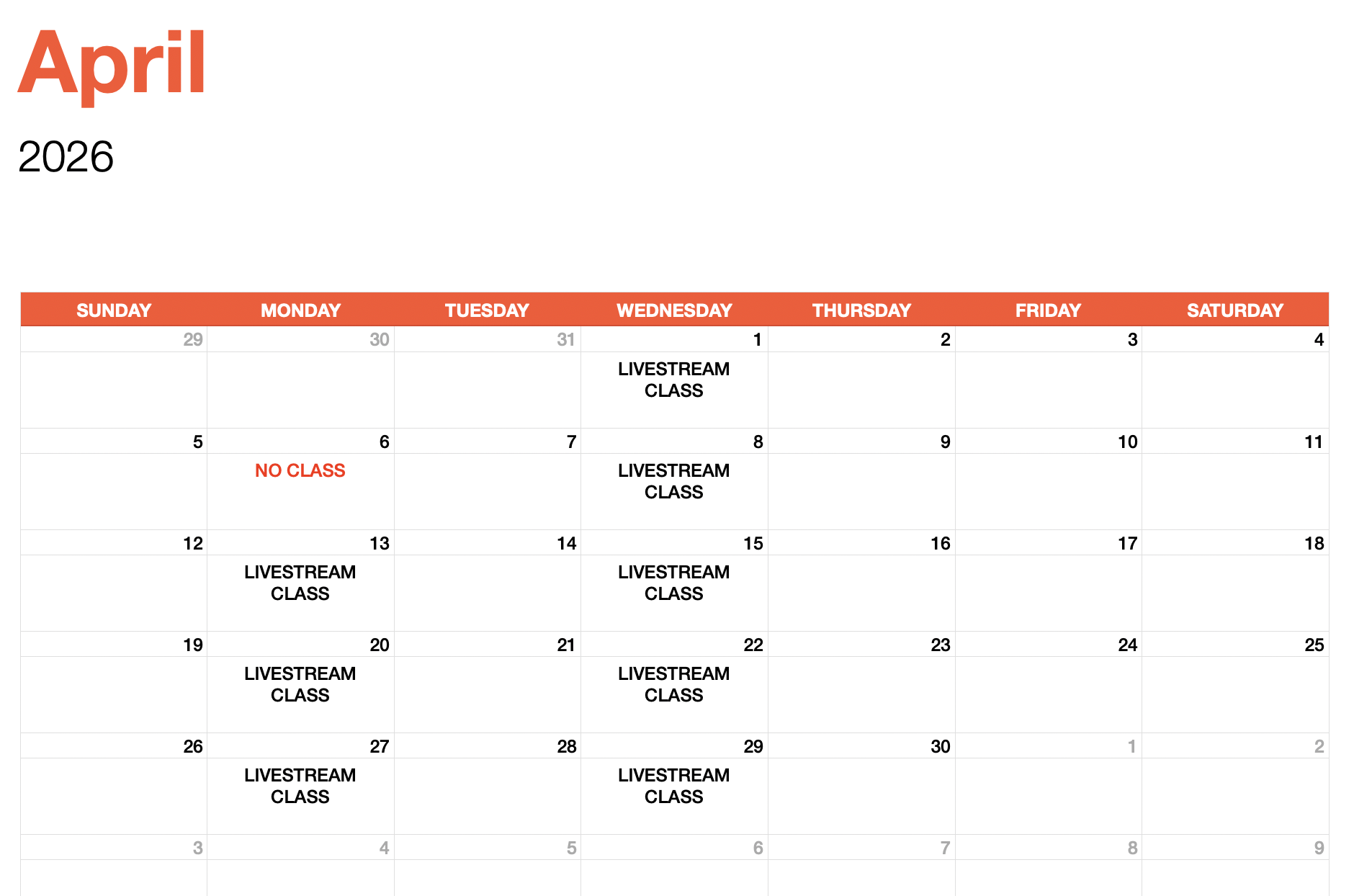
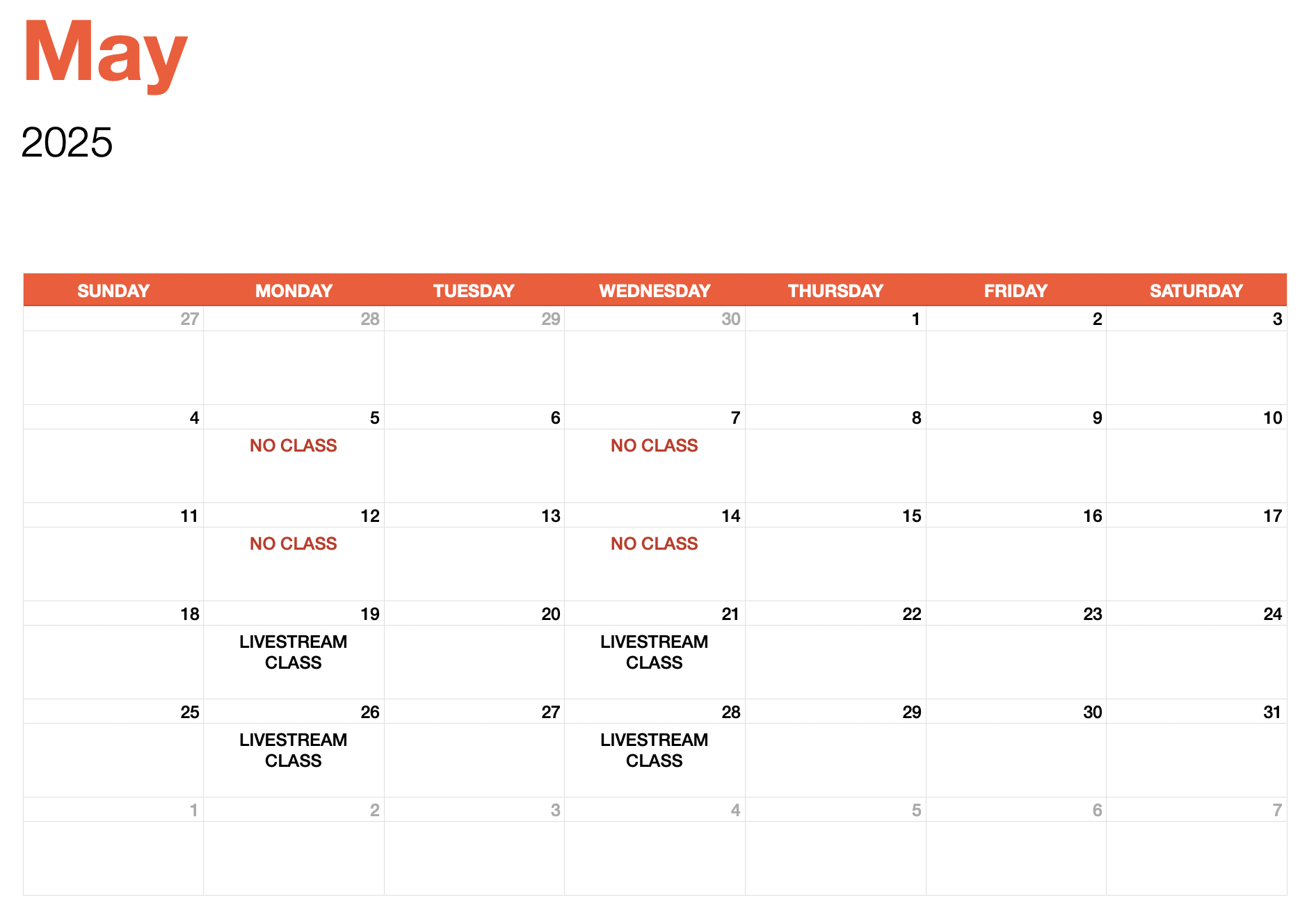
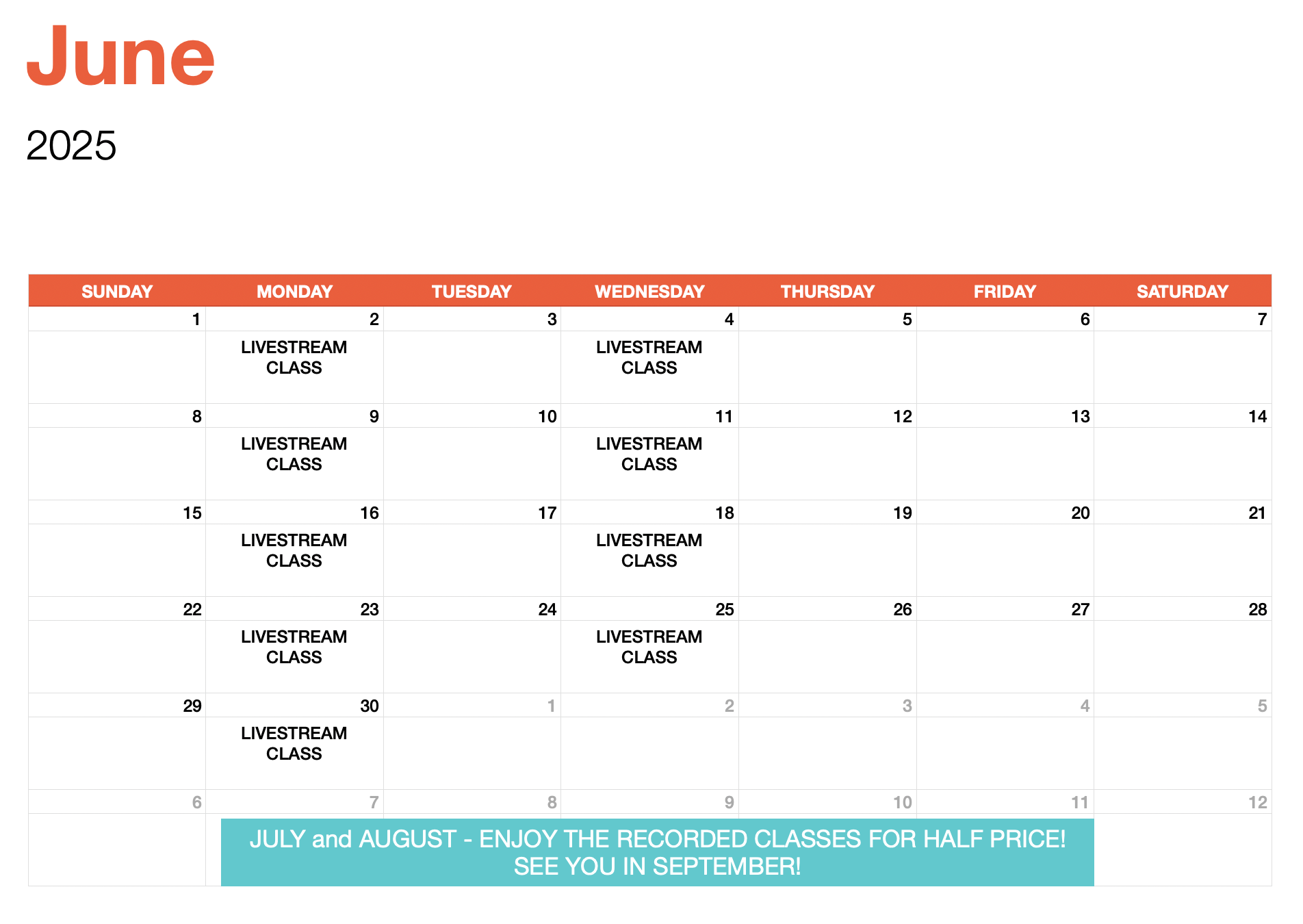
Livestream calendar.
Check the calendars to see when the next LIVESTREAM CLASS is scheduled.
NO CLASS simply means no Livestream Class but all pre-recorded classes are available.
All livestream classes begin at 9am Mountain Time.
Livestream Tips
Connect via Ethernet whenever possible. Reduce video lag time by connecting your computer directly to your router or modem with an Ethernet cord.
Pin the instructor’s video and mute your microphone.
The class will be recorded but don’t worry, you will not be recorded.
Connect an external speaker or a TV to your computer or device for an improved sound and visual experience. Preferably use an auxiliary cord or Bluetooth.
Disconnect all devices in your home from WiFi. This will improve your internet speed and help create a better livestream experience for you.
If you experience audio difficulties, try to “Leave Computer Audio” during the meeting and then reconnect.
Smile! Keep moving, share your feedback and have fun.